ARKA Code CLI
Terminal-based agentic coding assistant powered by ARKAbrain
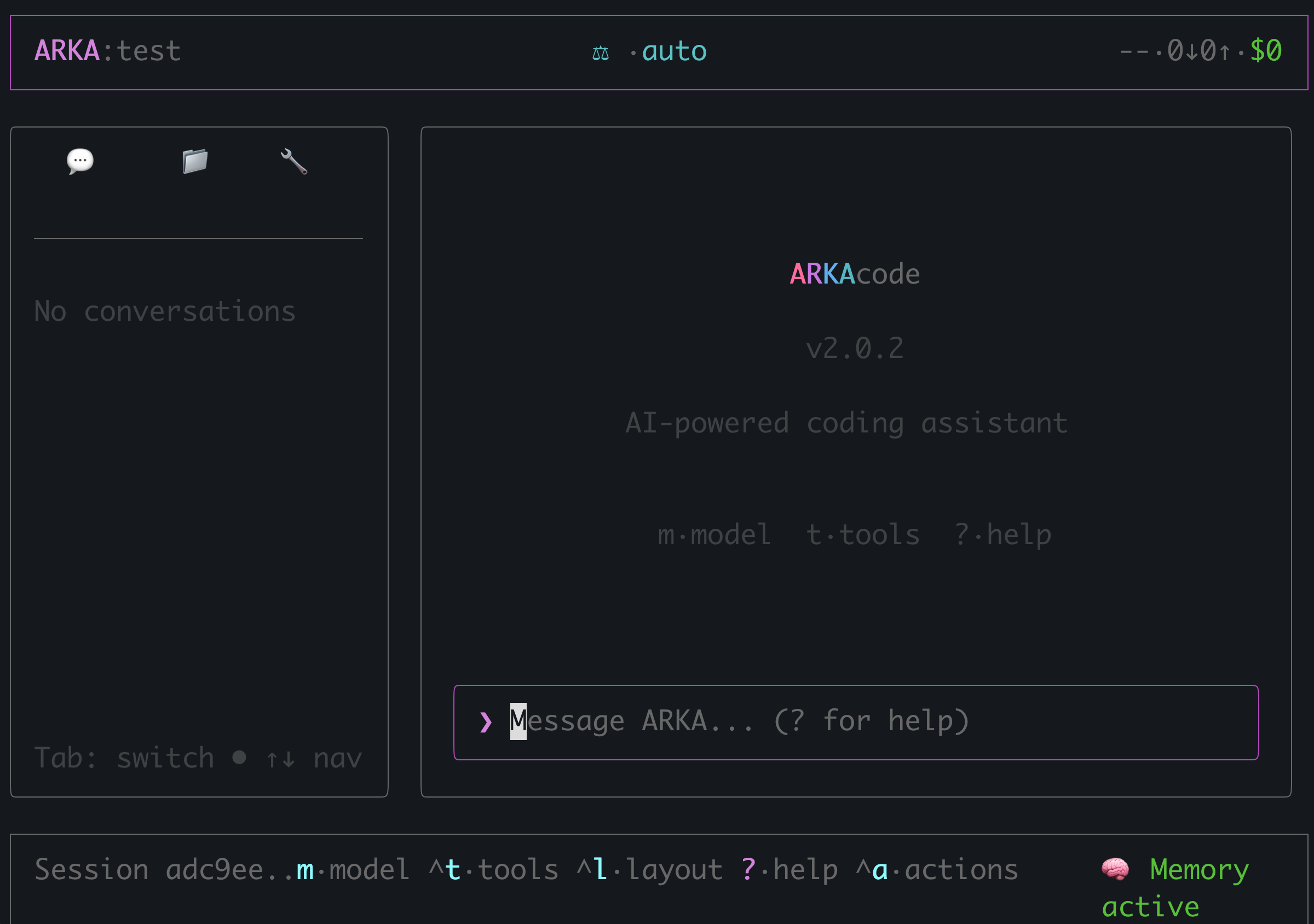
ARKA Code is a powerful terminal-based coding assistant with a beautiful dashboard UI. It can read, write, and edit files, execute commands, search codebases, and help you with complex coding tasks - all through natural language.
Key Features
- Beautiful dashboard UI with sidebar for chats, files, and tools
- Intelligent model routing via ARKAbrain
- Agentic coding with file read/write/edit capabilities
- Multi-model comparison mode
- Keyboard shortcuts for fast navigation
- Full and minimal layout modes
Installation
Install ARKA Code globally using npm:
Quick Start
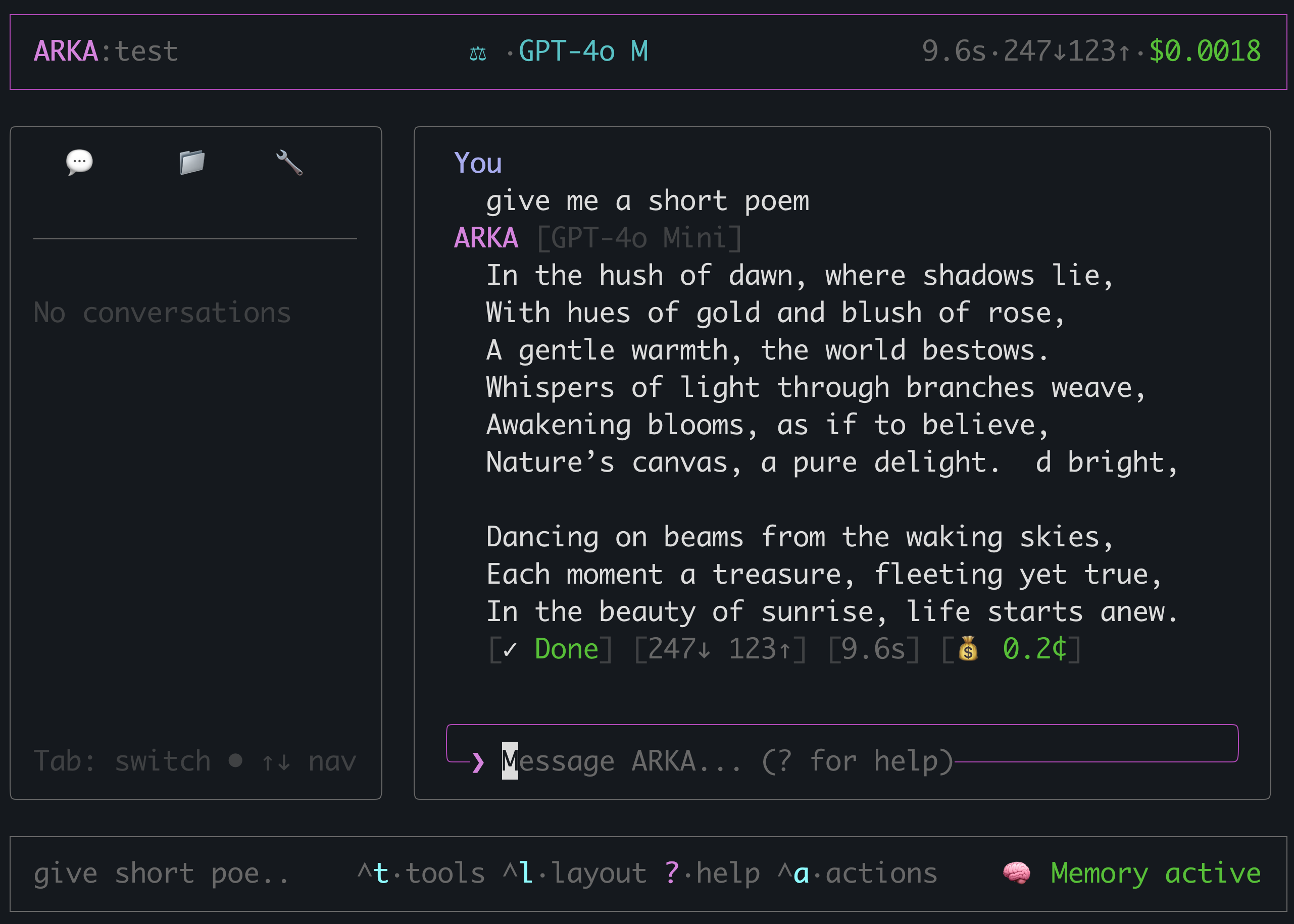
Just type naturally. The CLI features a clean layout optimized for coding. Use keyboard shortcuts for quick navigation.
Layout Modes
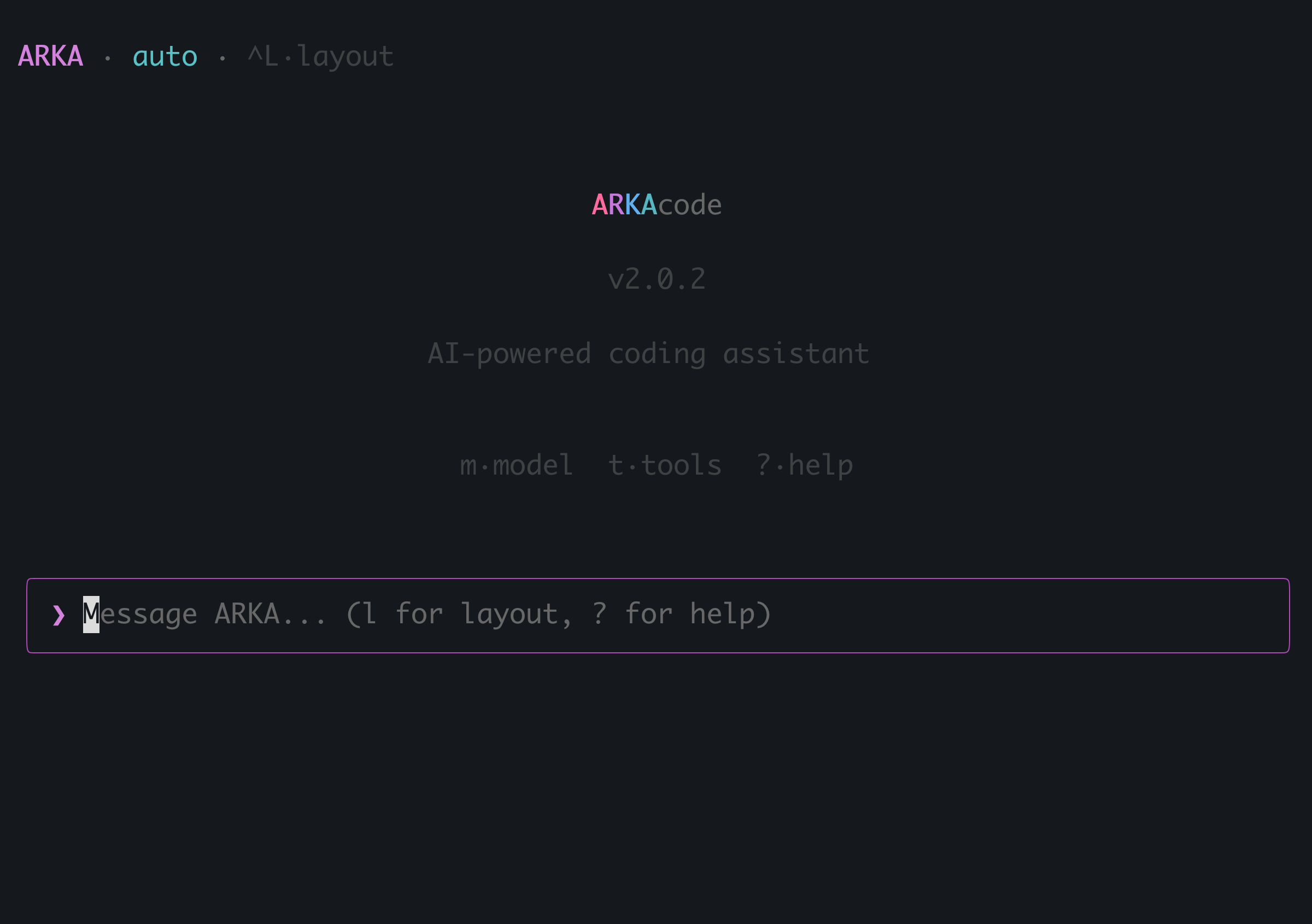
ARKA Code has two layout modes. Press ^L (Ctrl+L) to toggle between them.
Full Dashboard Layout
The default layout shows a header with your username and token stats, a sidebar with tabs for chats (💬), files (📁), and tools (🔧), and a main content area for conversations.
Minimal Mode
A streamlined view for smaller terminals or VS Code integrated terminal. Shows just the essentials with keyboard shortcut hints.
Authentication
ARKA Code uses browser-based authentication for a seamless experience.
You can also use an API key directly:
# Environment variable
export ARKA_API_KEY=arka_xxxxx

# Command line flag
arka --api-key arka_xxxxx
Configuration
ARKA Code stores configuration in ~/.arka/config.json:
{
  "provider": "arka",
  "model": "auto",
  "tone": "concise",
  "layoutEnabled": true,
  "enabledTools": ["read", "write", "edit", "glob", "grep", "bash"]
}
Tools
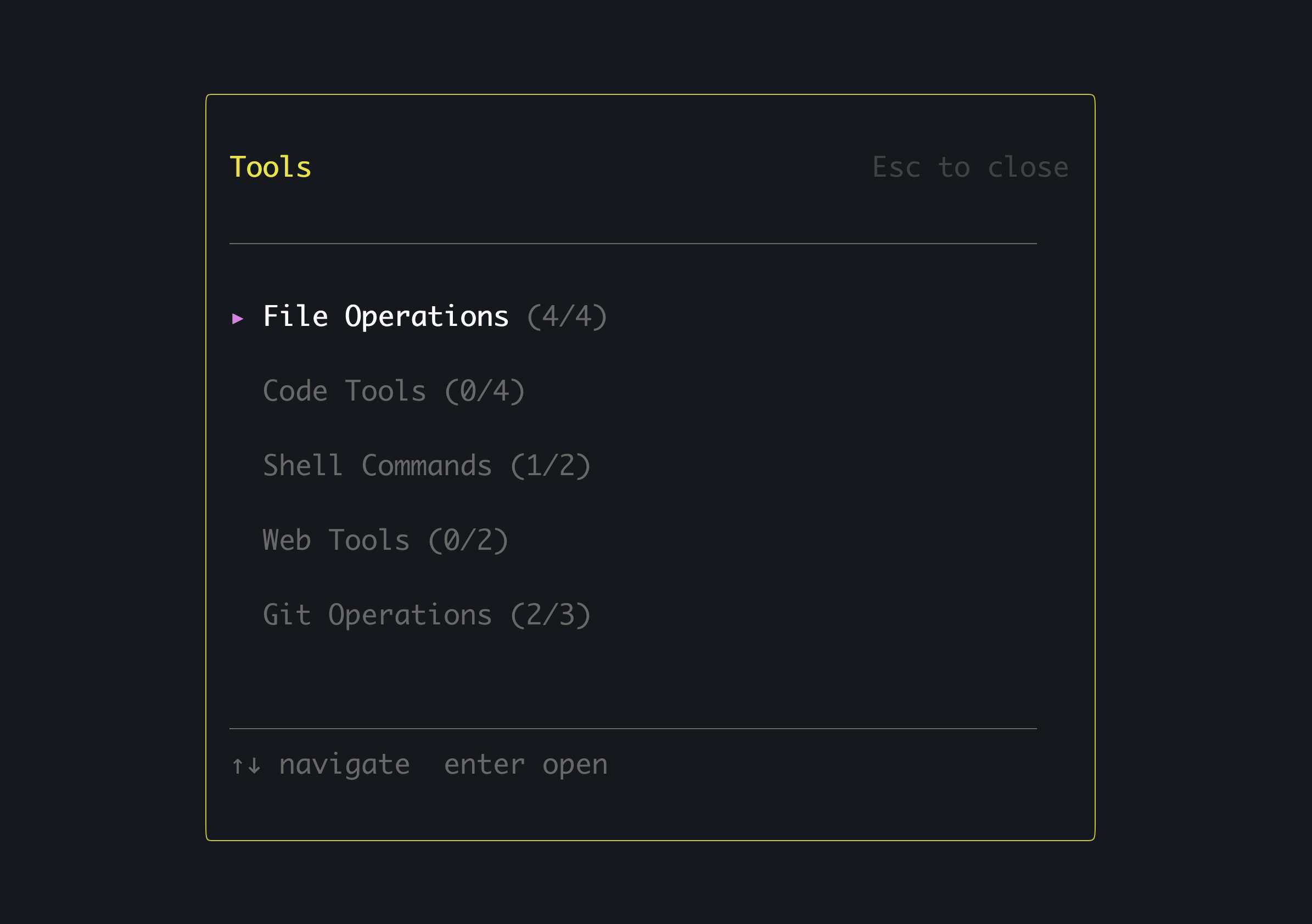
ARKA Code has access to these tools. Press Ctrl+T to open the tools panel.
| Command | Description |
|---|---|
| read | Read file contents |
| write | Create or overwrite files |
| edit | Edit files with precise replacements |
| glob | Find files by pattern |
| grep | Search file contents |
| bash | Execute shell commands |
Permission Modes
Control how ARKA Code handles file and command permissions:
| Command | Description |
|---|---|
| ask | Prompt for permission before each action (default) |
| auto-edit | Auto-approve file edits, ask for commands |
| auto-all | Auto-approve all actions (use with caution) |
ARKAbrain Routing
ARKA Code uses ARKAbrain to automatically route your requests to the best AI model. The status bar shows the current mode:
| Command | Description |
|---|---|
| ⚡ fast | Fastest responses, smaller models |
| ⚖ balanced | Best balance of speed and quality (default) |
| ✦ quality | Best models, may be slower |
Example Workflow
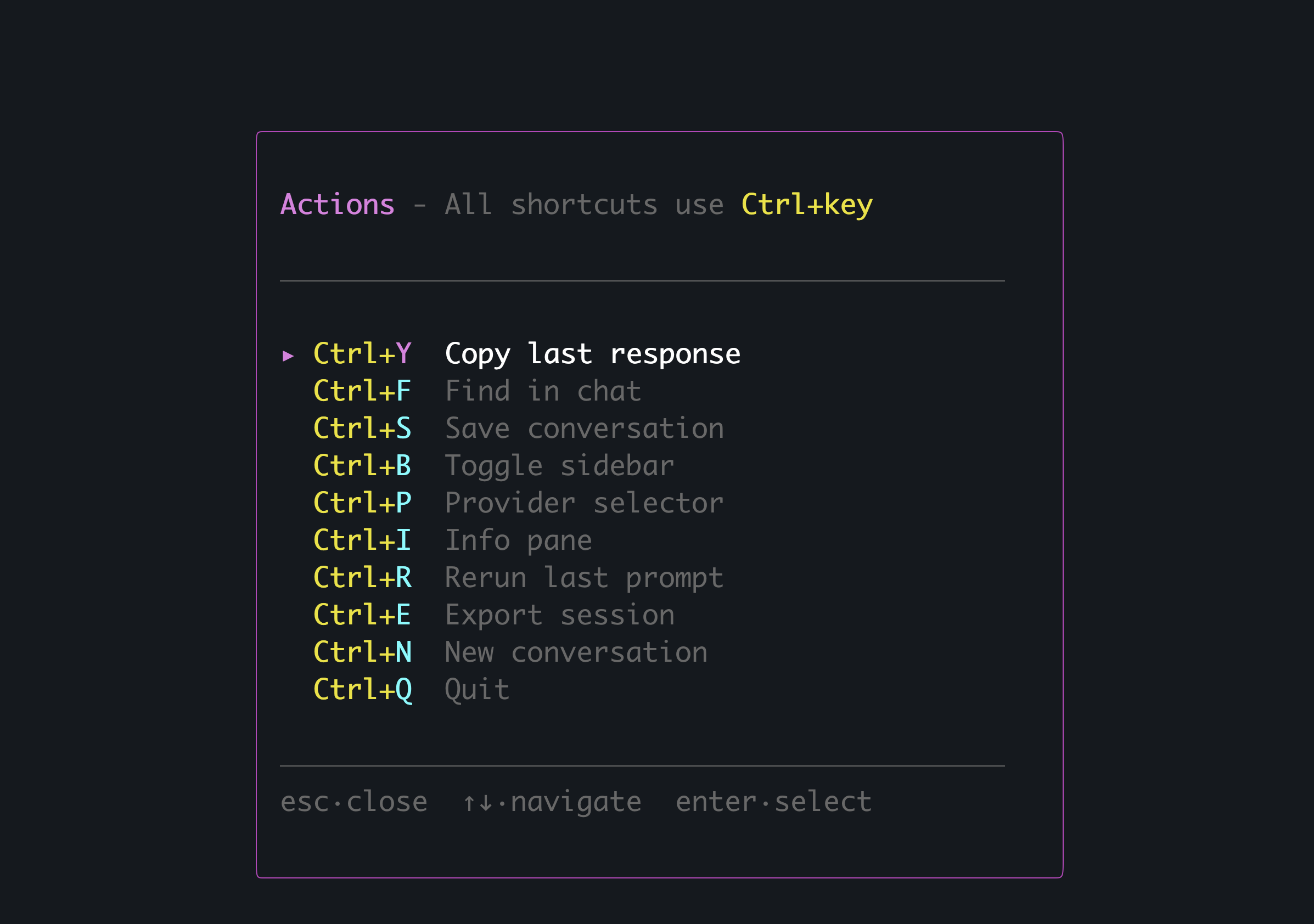
Keyboard Shortcuts
ARKA Code uses Ctrl+ shortcuts for all commands, so they work whether you're typing or not.

| Command | Description |
|---|---|
| Ctrl+A | Actions panel (all shortcuts) |
| Ctrl+M | Model selector - choose AI model |
| Ctrl+T | Tools panel - enable/disable tools |
| Ctrl+Y | Copy last answer (yank) |
| Ctrl+L | Toggle layout |
| Ctrl+Q | Quit |
| ? | Help |
| Esc | Cancel/close panel |
CLI Options
Usage: arka [options] [command] [prompt...]

Arguments:
  prompt                     Initial prompt to send

Options:
  -V, --version              Output version number
  -k, --api-key <key>        API key (overrides config)
  -u, --api-url <url>        API URL (overrides config)
  -r, --resume               Resume previous session
  -p, --permission <mode>    Permission mode: ask, auto-edit, auto-all
  --read-only                Read-only mode (no file writes or commands)
  -h, --help                 Display help

Commands:
  login                      Authenticate with ARKA AI
  logout                     Log out and clear credentials
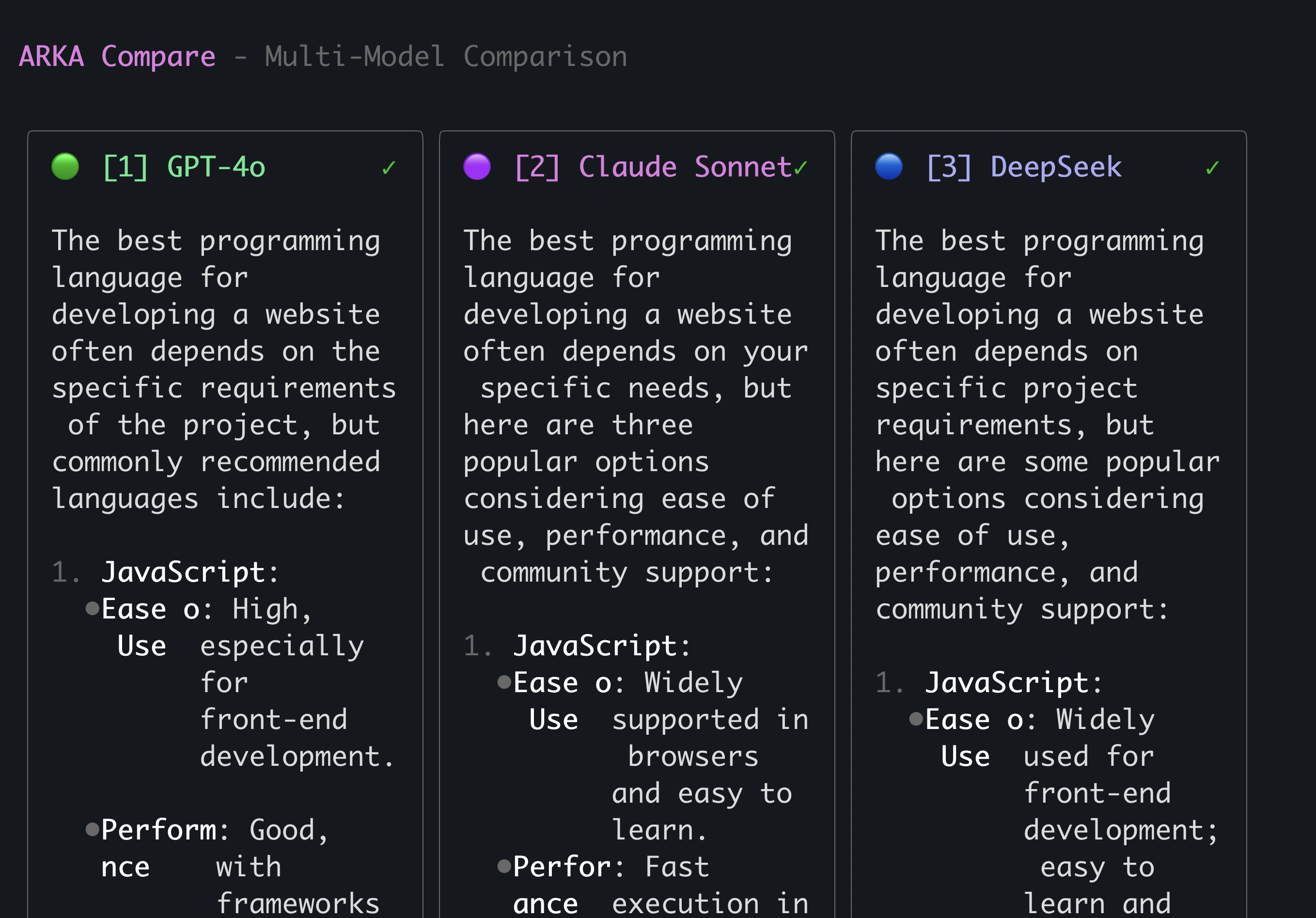
  compare [prompt...]        Multi-model comparison mode
Compare Mode
Compare responses from multiple AI models side-by-side:
Troubleshooting
API Key Not Found
If you see "No API key found", set your API key:
export ARKA_API_KEY=your_api_key
# or
arka --api-key your_api_key
Permission Issues
If file operations are denied, check that you're not in read-only mode and that you have proper file permissions.
CLI Version History
See what's new in each release